Spend between waves
A Slow Beam can hold a creature where another tower can reach it. See what two tools can do together before spending your credits on a third.
 Try a wave
Defend • Experiment • Discover
Your lab’s power core looks like candy to the creatures in the caves. Build towers that send them home full of energy snacks before they reach it.

A tower beside a bend can cover two stretches of road. Tap a pad to open the build ring, pick a defense, and see how much of the path fits inside its circle before you spend any credits.
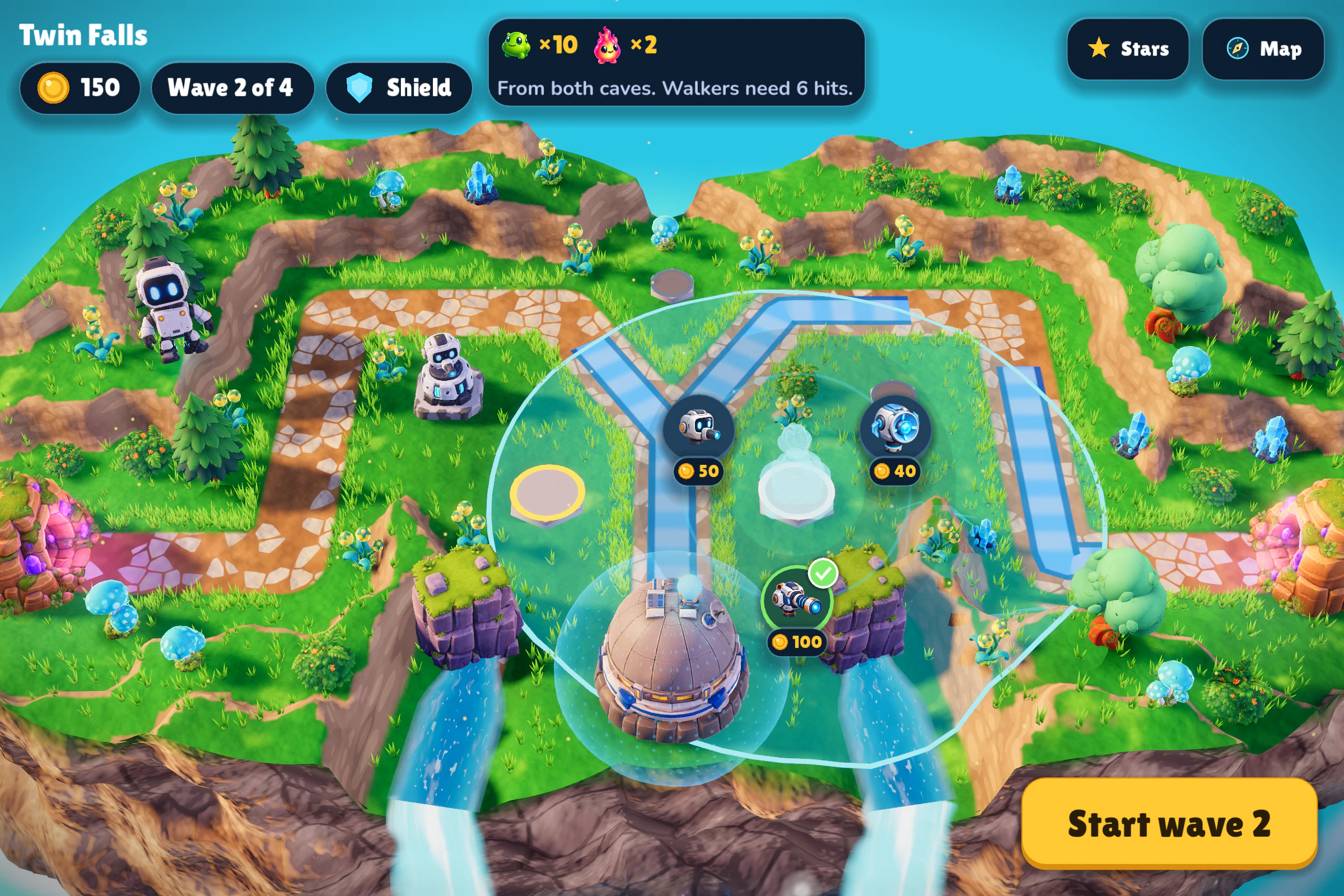
A Slow Beam can hold a creature where another tower can reach it. See what two tools can do together before spending your credits on a third.
Once it starts, the plan is set. Pause to inspect a defense or speed up while your towers serve snacks.
See what reached the lab. Moving a tower is free, and selling one gives every credit back.
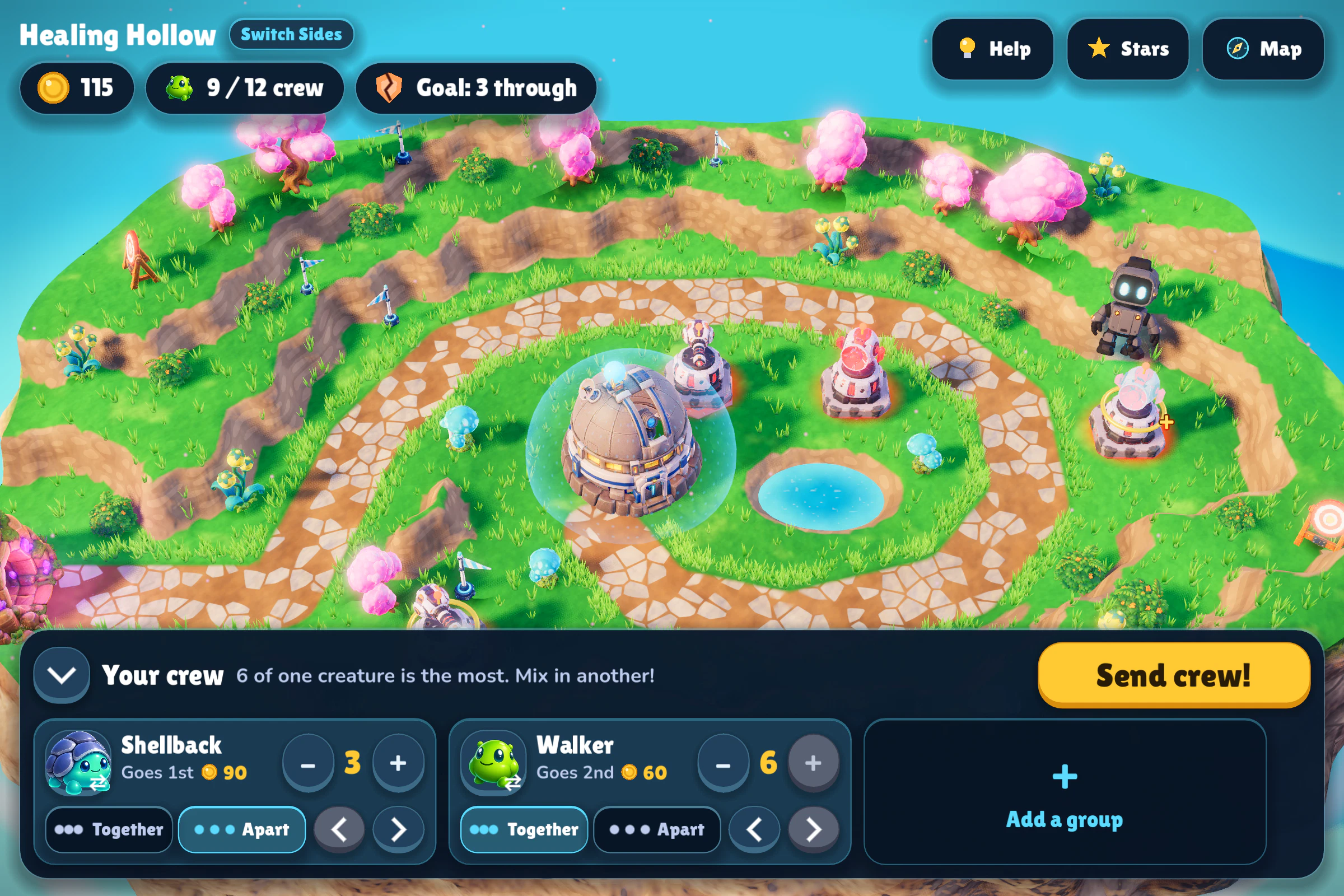
Winning opens the next island. Each island has optional star goals, and there are Master waves when you want a tougher puzzle.
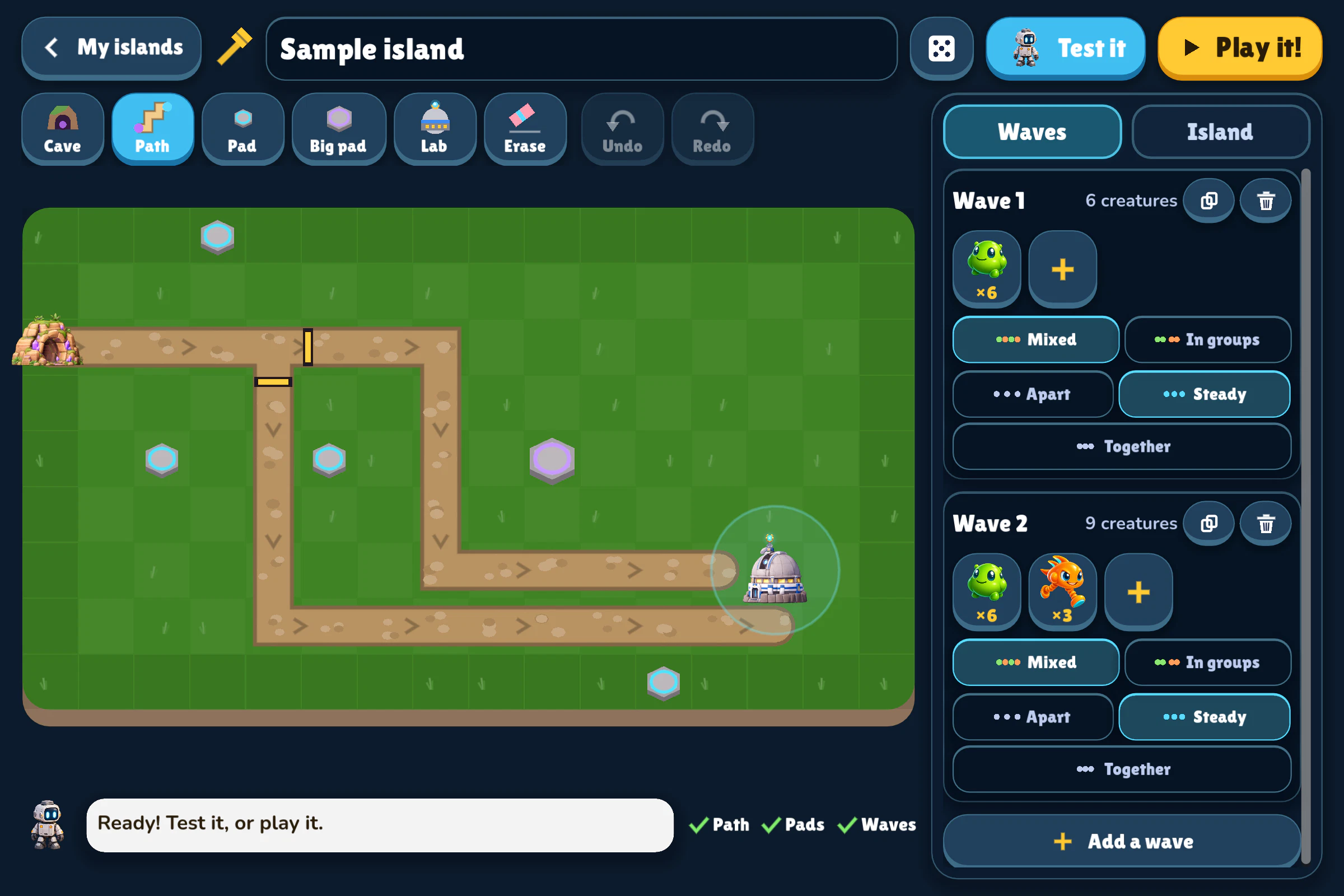
Cover the road, then tell a Blaster which creature to aim at.
Get a Zapper close enough to a Generator to power it and close enough to the road to pop bubbles.
Wire a Sensor to a gate. Close one road when a Shellback comes near and watch the creatures take the other.
Mirrors bounce beams. Hardeners grow a shell after a small hit. Work out which defense should fire first.
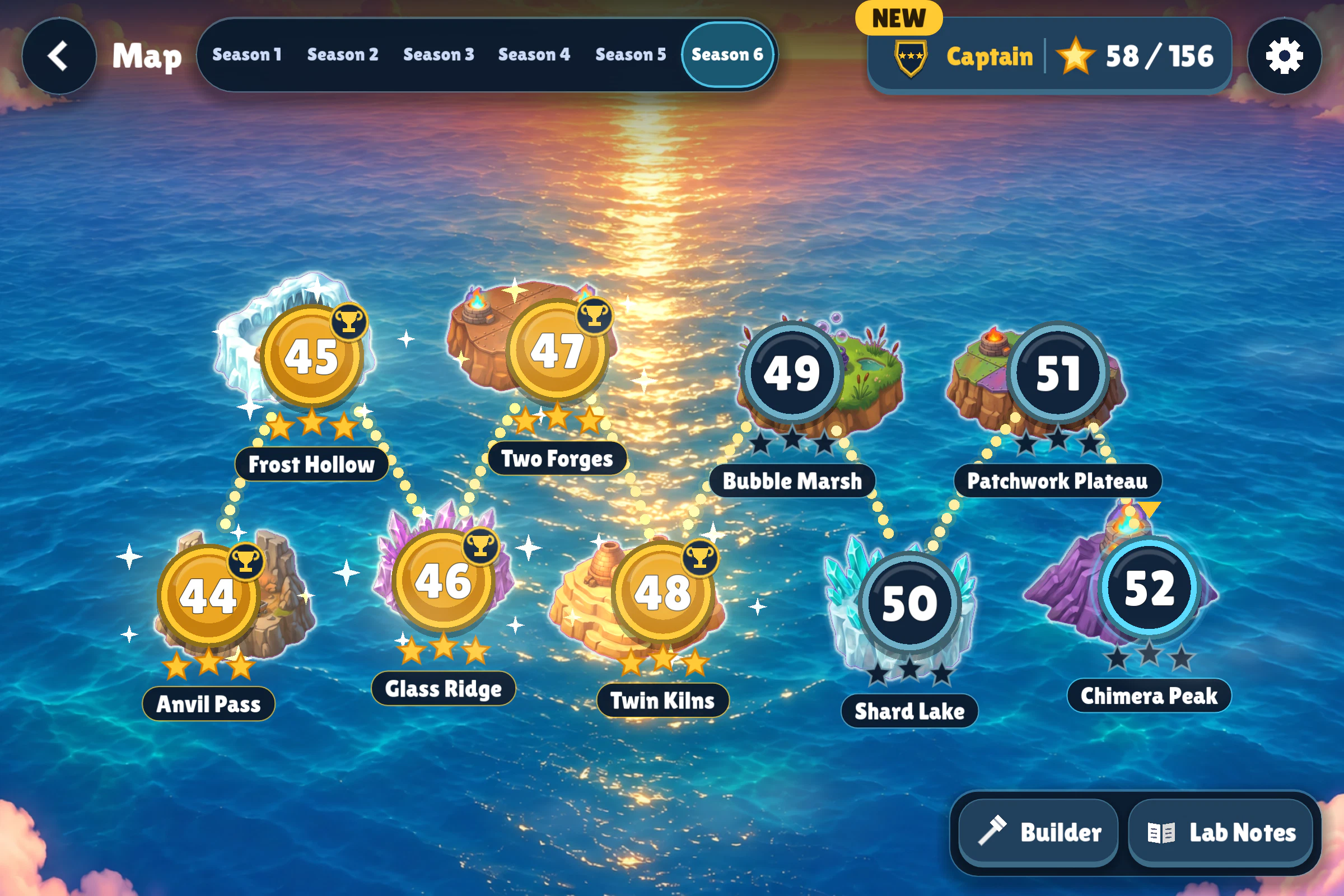
Rogue robots have hacked the towers. Pick a crew of creatures and decide which ones go first, together or apart.
Combine two defenses. A Frost Laser hits one creature and can chill the next two behind it.
At Crystal Caves, a Blaster aiming at the nearest creature can spend the whole wave shooting at Walkers while Runners slip past. The robot lets you see what goes wrong and guides you through changing the rule before you try it on your own.
Pick the words from a menu, then start the wave to see which creature the Blaster picks.
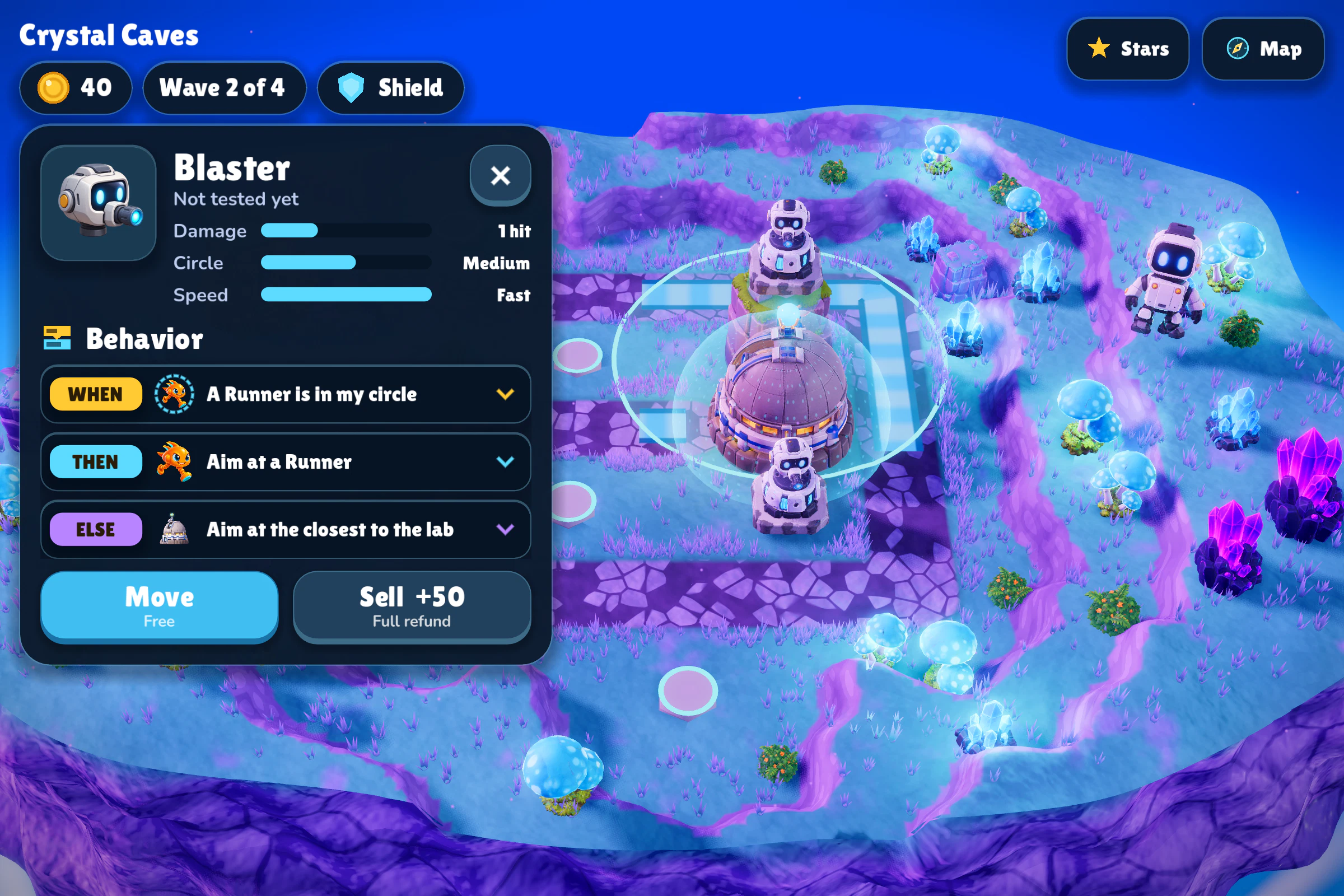
Run the wave and see what happens when the Blaster aims at the nearest creature. Then change its Behavior and try the same wave again.
This browser challenge uses a fixed layout and simpler rules than the full game.
 ×3
 ×2

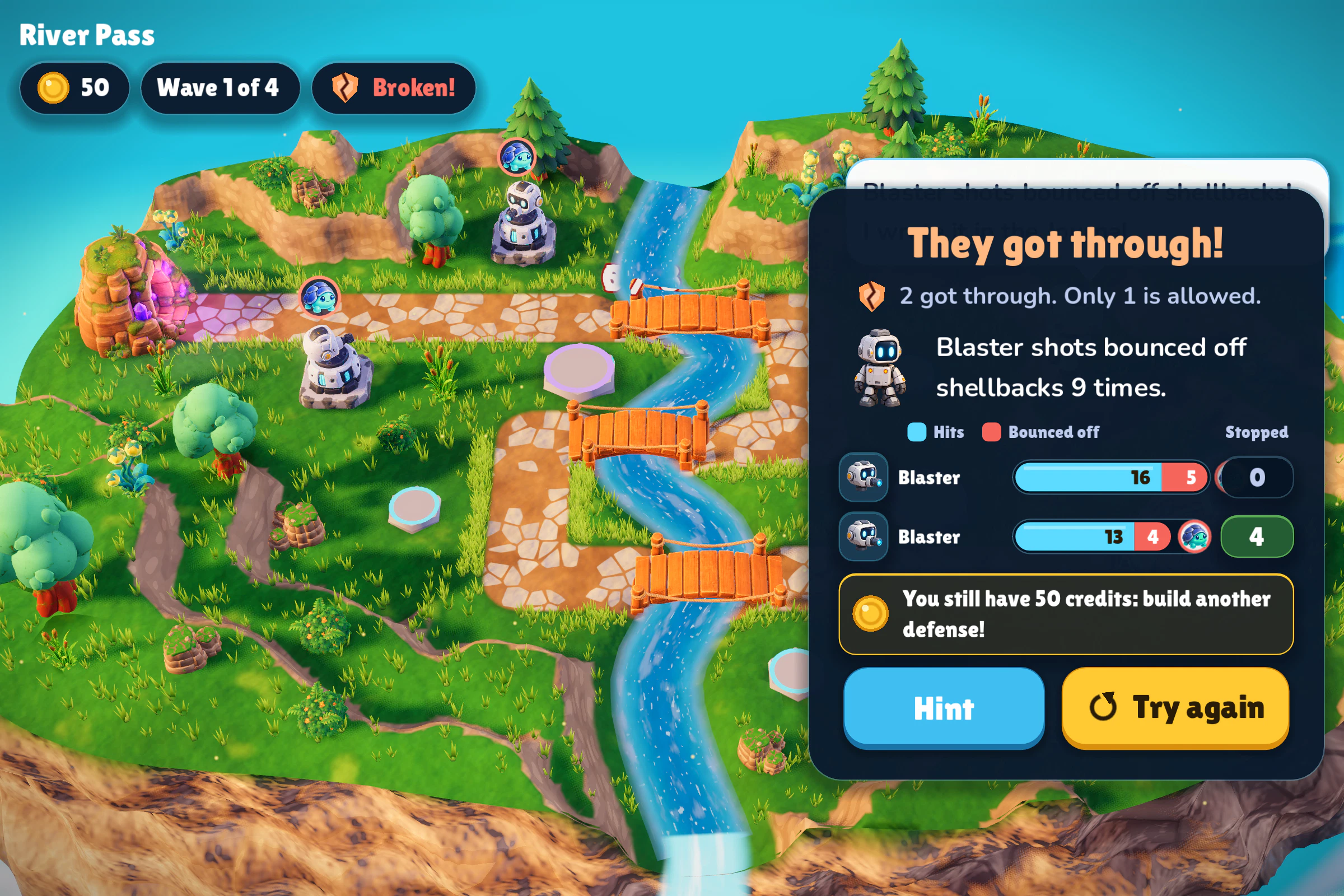
A Blaster shot bounces off a Shellback. What will the Laser do?
At River Pass, the Blasters’ snacks bounce off Shellbacks. The wave review counts those bounces beside the hits and stops for each tower. Next time, could a Laser handle the shells while the Blasters aim at something else?
Lab Notes keeps a Journal of what your defenses have done to each creature. If you get stuck, the robot can give you a hint. After three lost tries on a wave it can show one winning plan a piece at a time.
As you meet them, Lab Notes fills in their traits. Can you match a new creature to a defense you already know?
A steady pace. Try covering two stretches of its road from one pad.

Shots miss while it flickers. Slow it down first.
Its shell shrugs off small hits. Try a Laser.

Its bubble needs a zap. Can you get a Zapper into position?
And 27 more, from Ghosts to the Chimera.
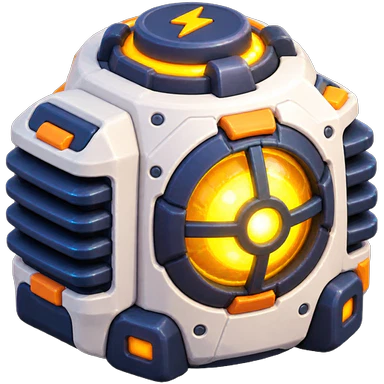
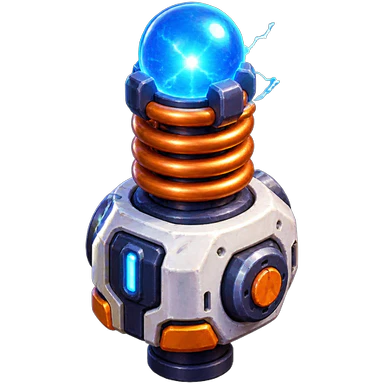
A Zapper only fires while a nearby Generator powers it.

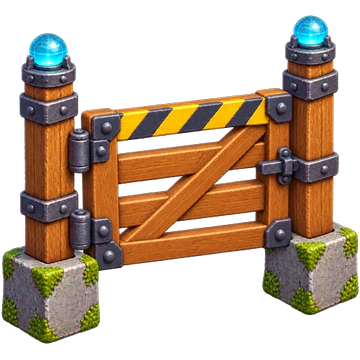
When the Sensor spots the right creature, it signals the gate to close.

Fuse a Laser with a Slow Beam to send a chill down the road.
Designed around age nine. Kids get practice with planning and simple logic by putting their ideas to work on the island.
All five islands in Season 1 are free to play. One purchase unlocks seasons 2–6, with Apple Family Sharing. Buying or restoring the unlock is behind a parent gate. There are no ads or accounts.
The islands and saved progress work offline. The game keeps a separate plan for each island in progress, so kids can switch islands and come back to the same setup.
Kids can take as long as they need between waves. During a wave they can pause to inspect the island. A lost wave can be retried without losing the earlier waves they won.
Outpost Lab is designed for landscape play on iPad (iPadOS 16 or later) and also runs on iPhone. Play in English, French, or Mexican Spanish.
The iOS game is in TestFlight beta. There’s no public download or announced release date yet. You can play the browser challenge on this page.